Your own online shop
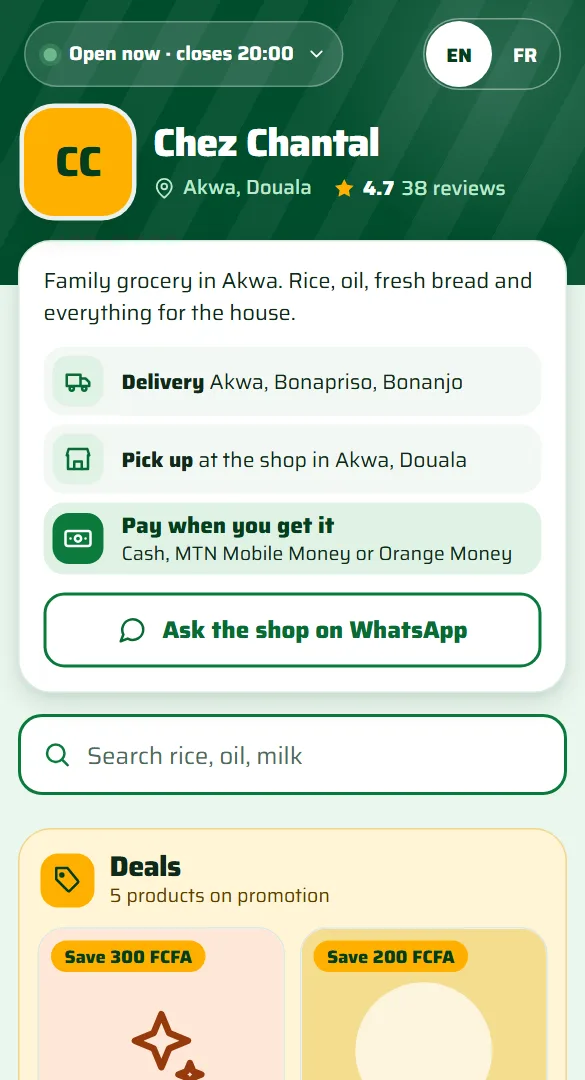
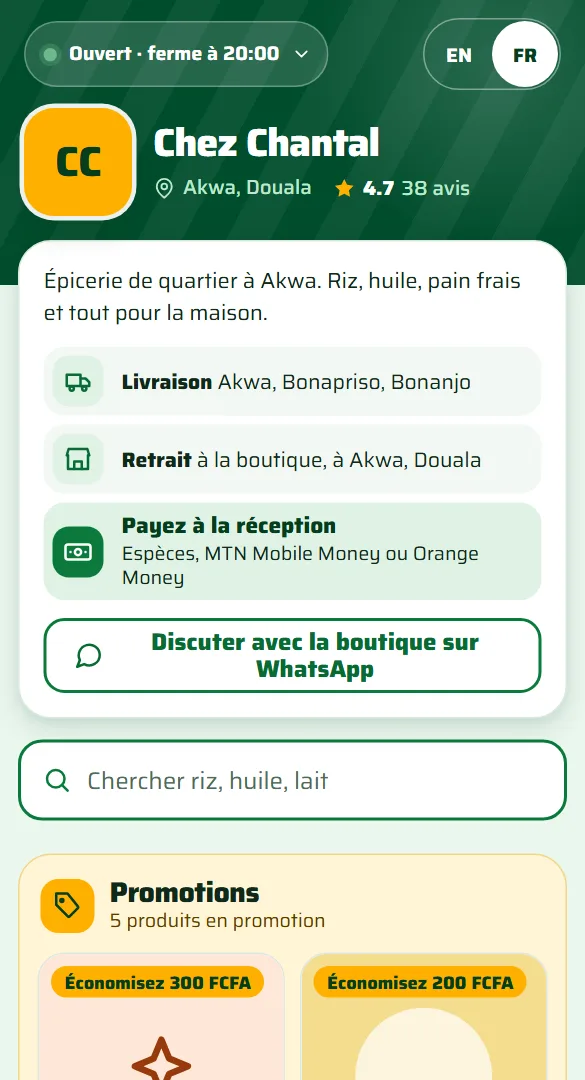
Customers open your link, see your prices and order. Delivery, pick up and order tracking are built in.
Every sale, every shop, every day.
Sell with the camera, track stock and who owes you, and see your profit. No terminal, no scanner to buy.
Free for 30 days. You pay only after.
Get the Android appInstalls from a file
Prefer your phone? Scan to open Market Day on it. An Android file cannot be installed on a computer.
Sample · illustration
The whole shop, on the phone in your hand.
Goods arrive, stock updates
A price agreed, tax added automatically
An instalment comes in, the balance drops
The day closes, the owner sees it all
Illustration: a delivery of toothpaste arrives, twenty-four more units are logged, and the shop's stock count updates from twelve to thirty-six. Sample data, not a real delivery.
Illustration: toothpaste's catalogue price of 600 francs is negotiated down to 500 at the counter; vegetable oil sells at 1,500 francs; the subtotal is 2,000 francs; value-added tax at 19.25 percent, applied only if the shop charges it, adds 385 francs; the total is 2,385 francs. Sample amounts, not a real sale.
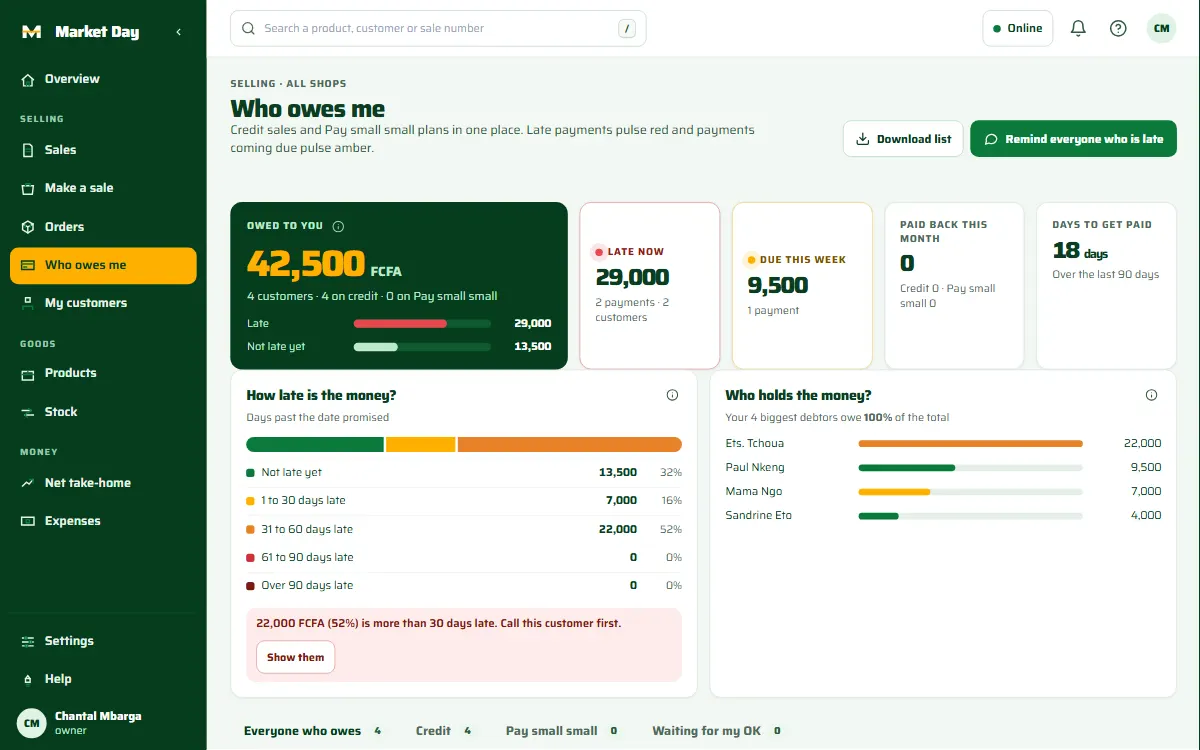
Illustration: Mama Ngo owed 12,000 francs on credit; she pays an instalment of 5,000 francs; her new balance is 7,000 francs; the shop is still owed 42,500 francs in total across its credit customers. Sample data.
Illustration: the Akwa branch took 184,500 francs today and the Bonapriso branch took 96,000 francs; the combined total for the day is 280,500 francs. Sample data, not a real shop's sales.
Credit and pay small small
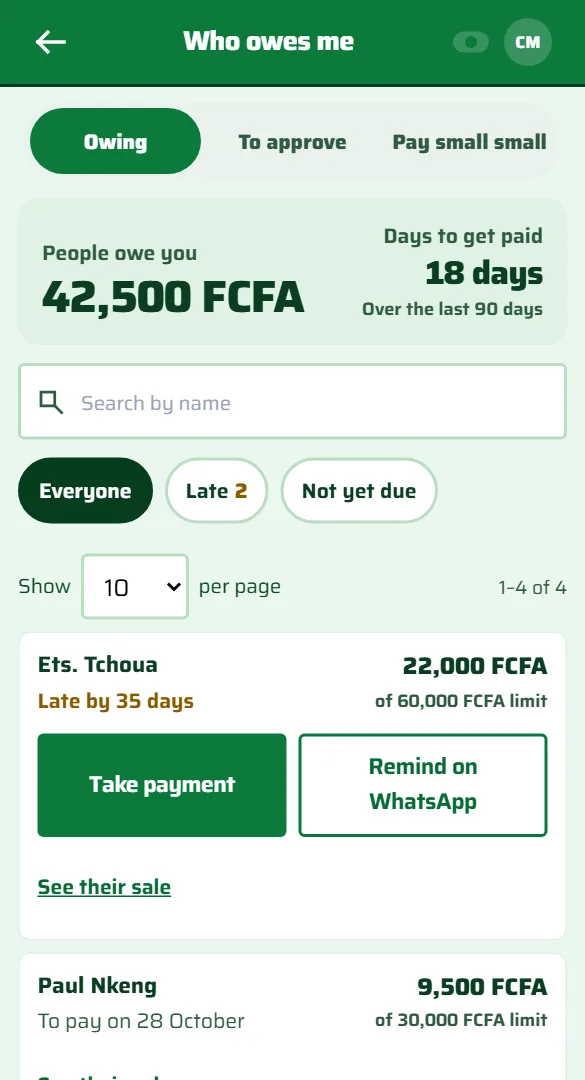
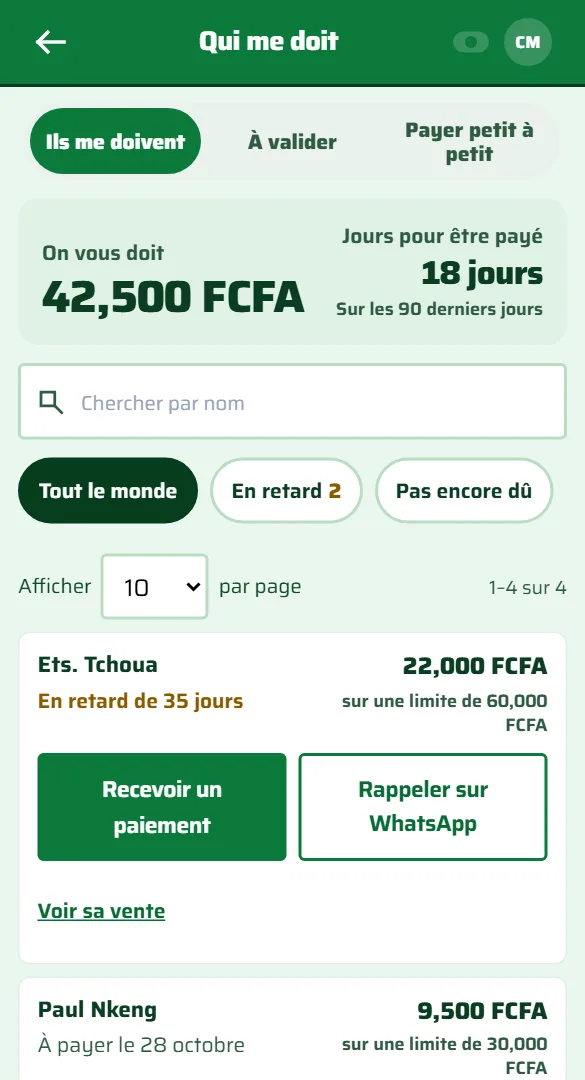
Give credit with a limit. Let customers pay small small. See who owes you, how much and how late.
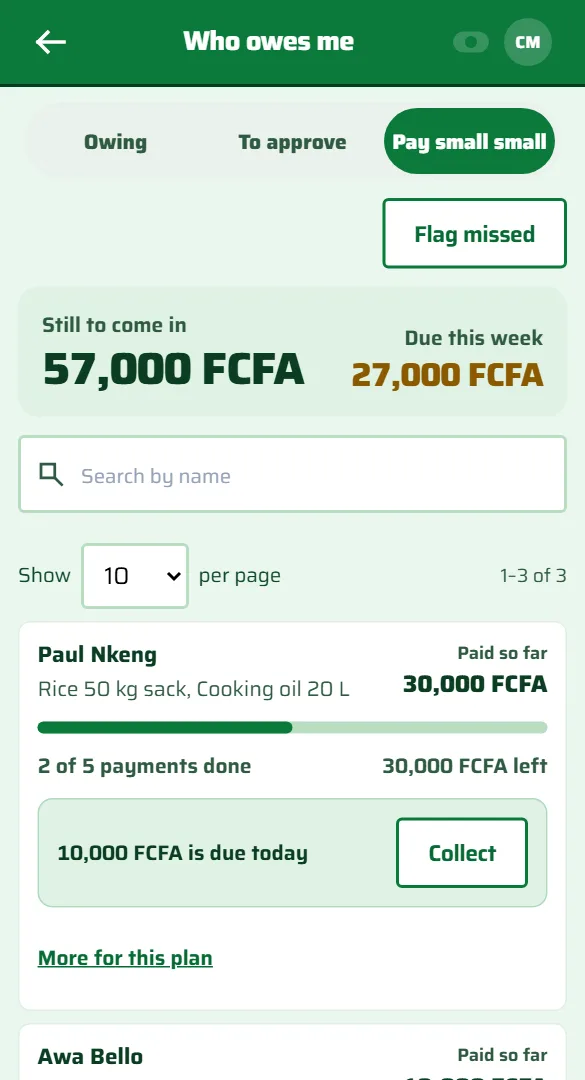
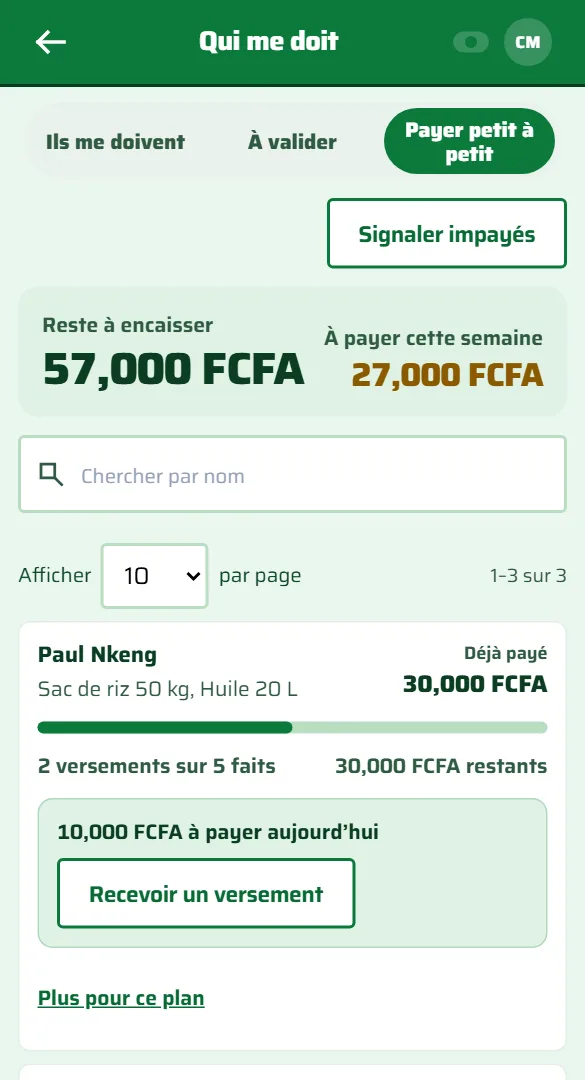
On a computer too
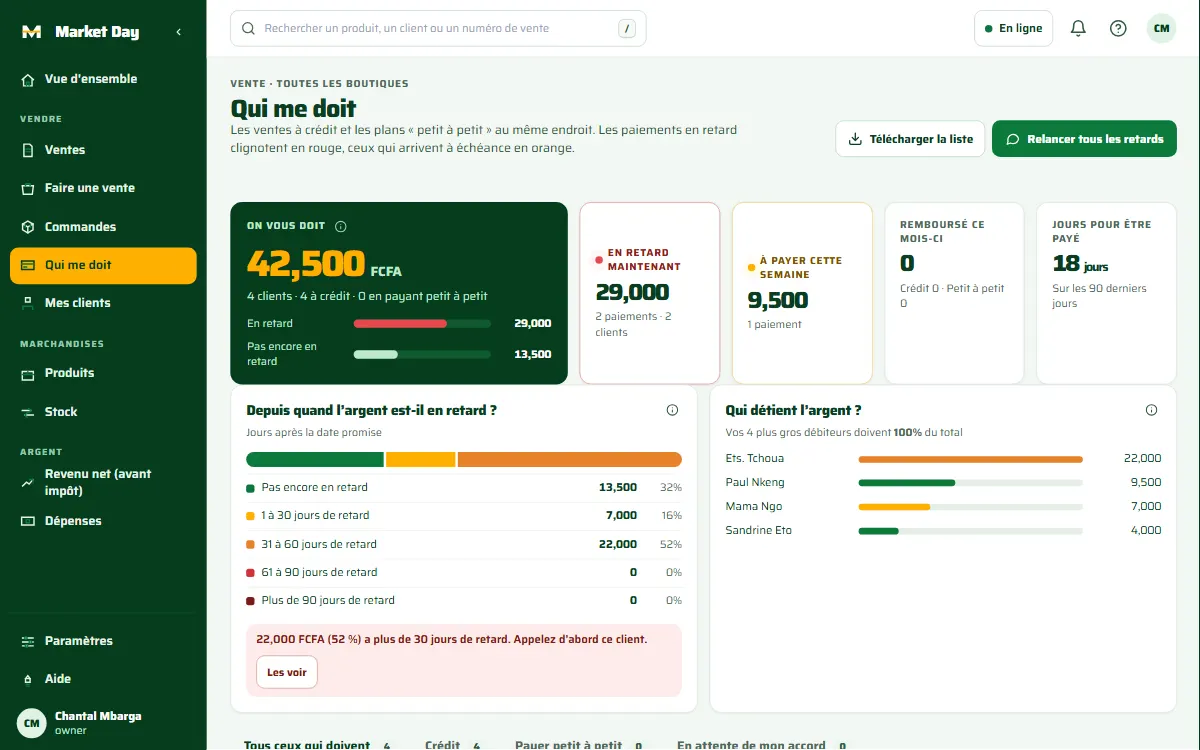
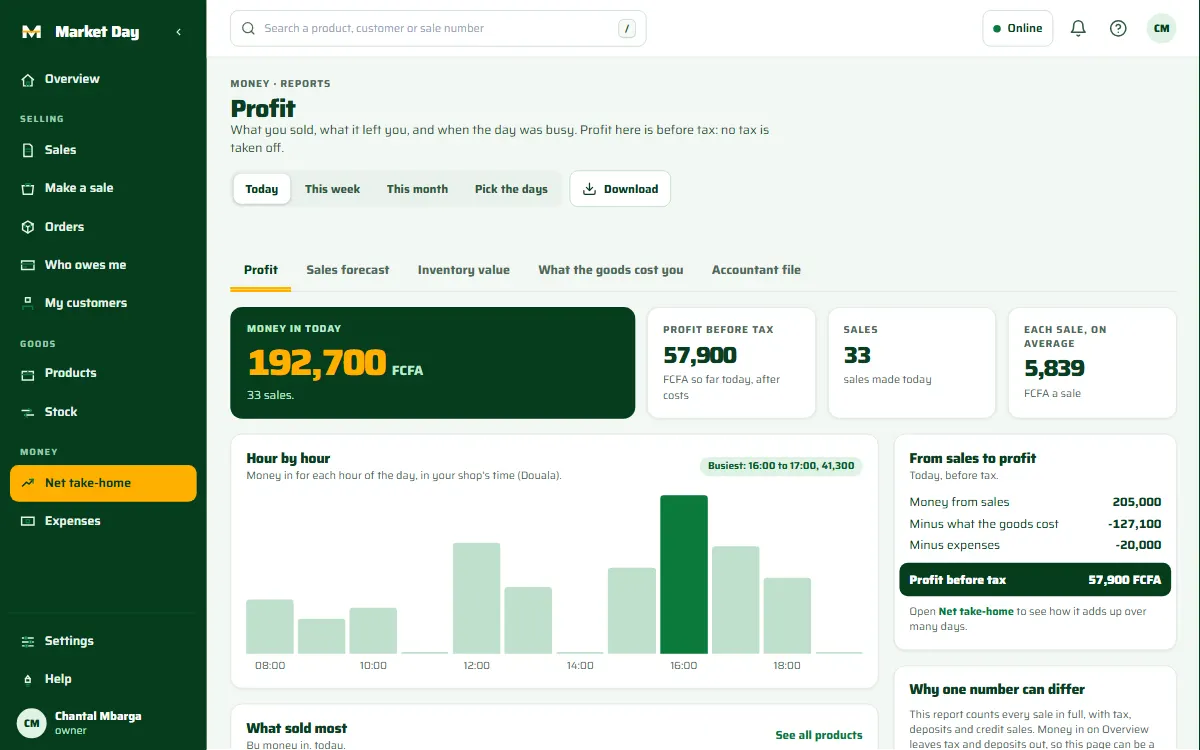
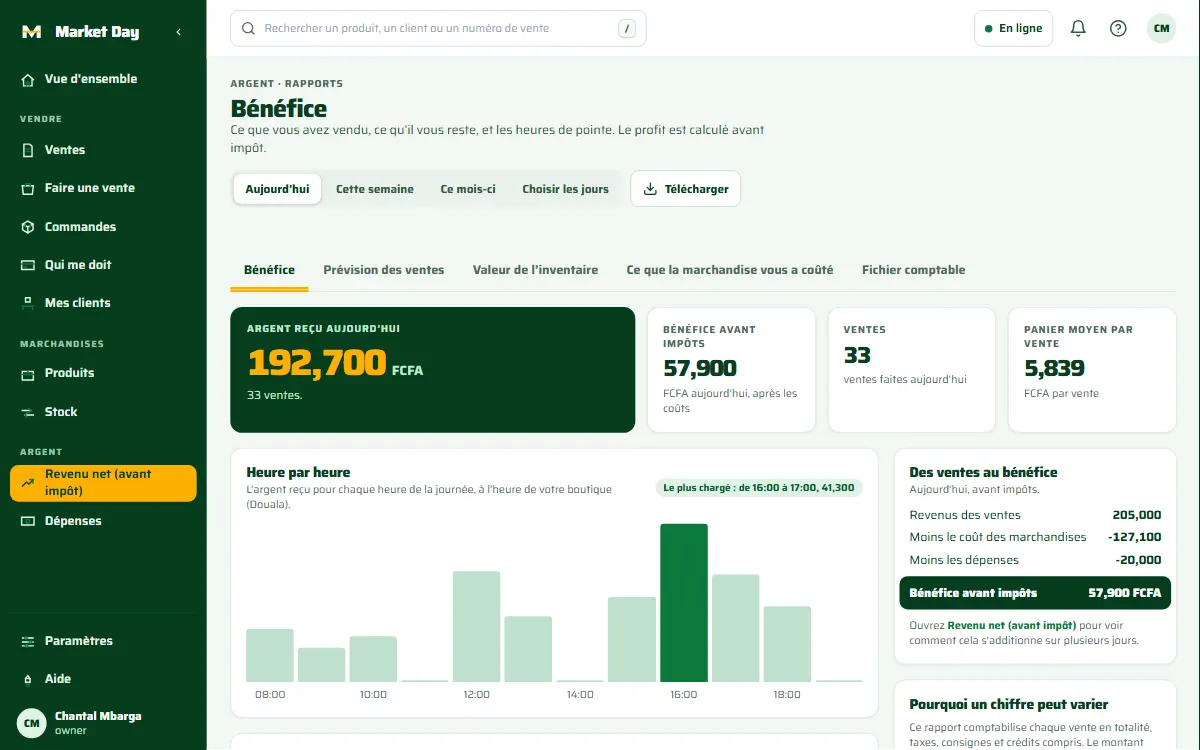
Open Market Day in the browser of a laptop or a desktop. The same menu, the same figures and the same customers, laid out for a computer.
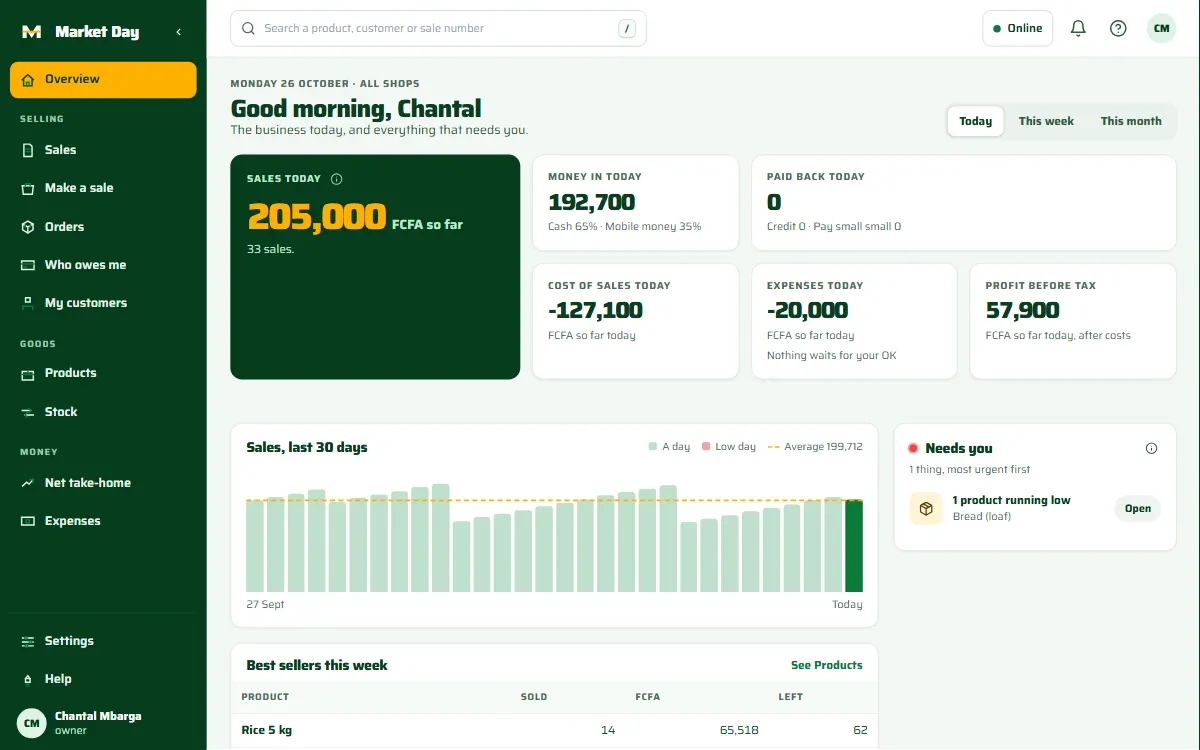
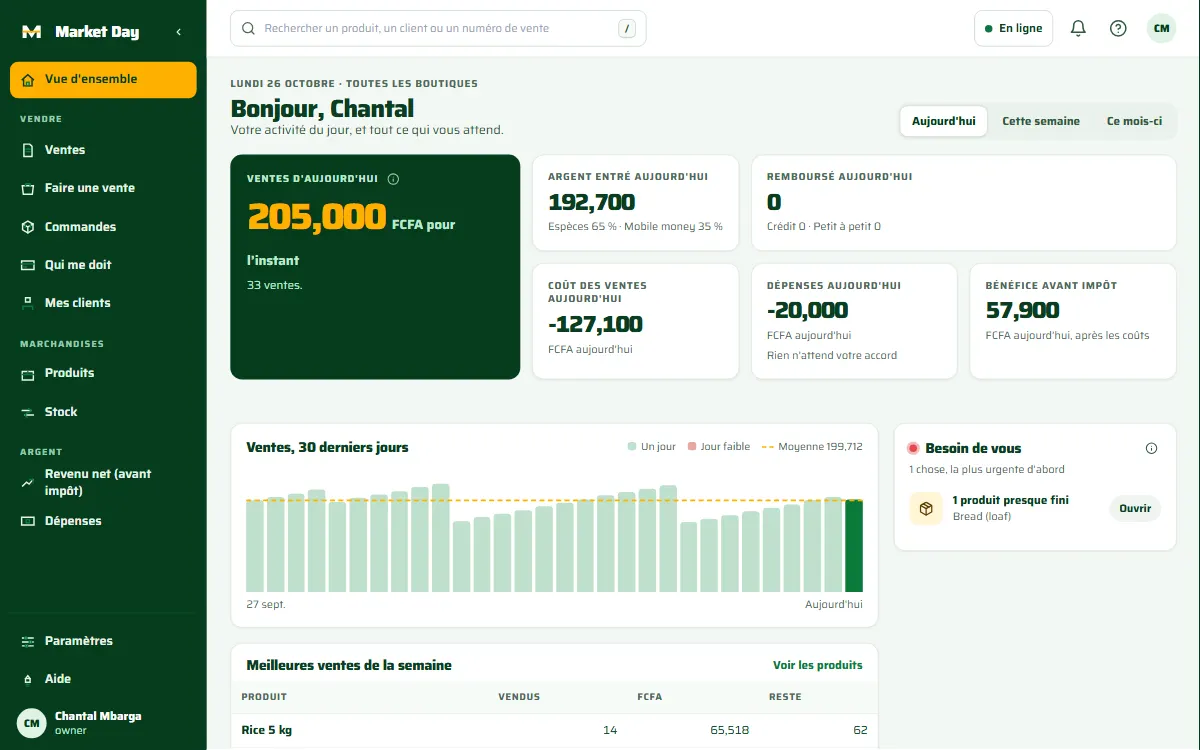
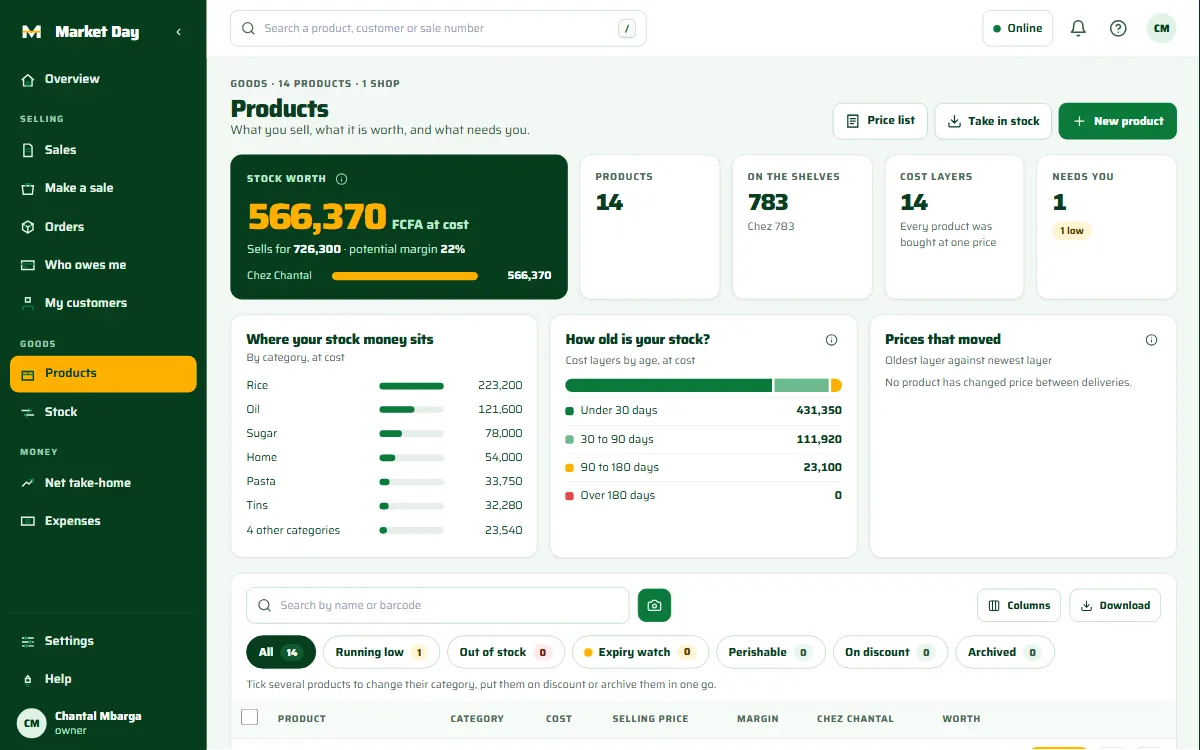
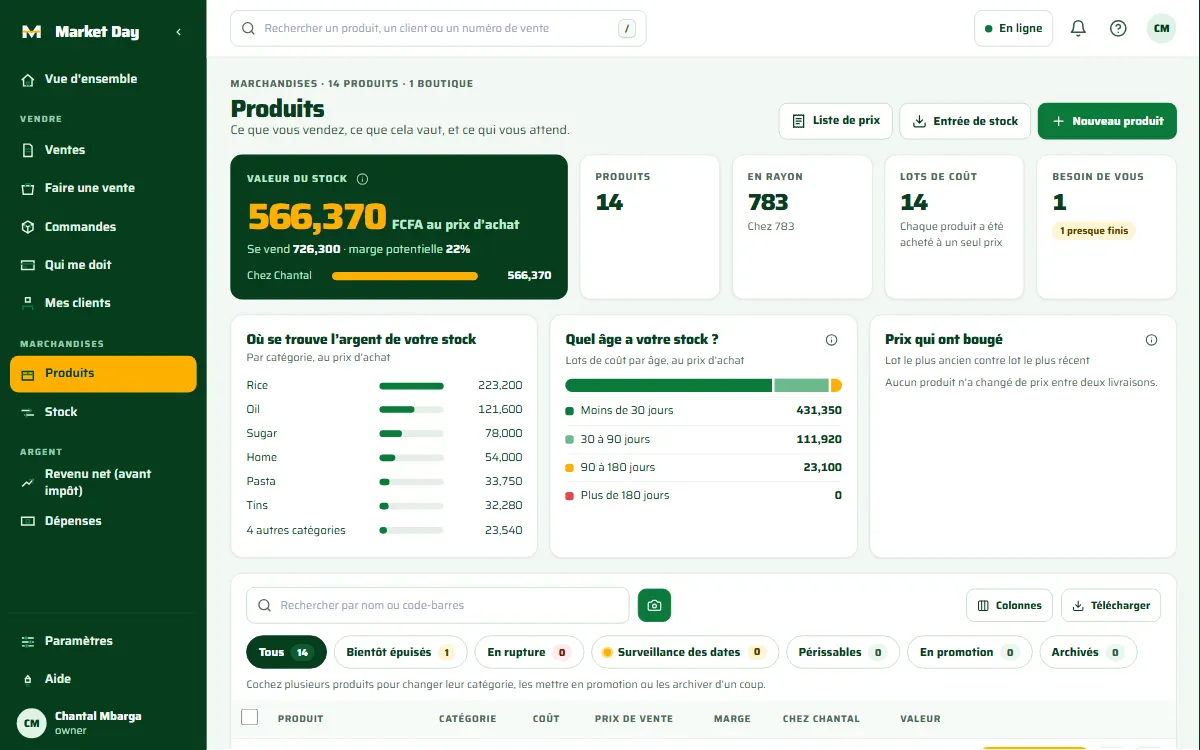
More than the counter
Customers open your link, see your prices and order. Delivery, pick up and order tracking are built in.
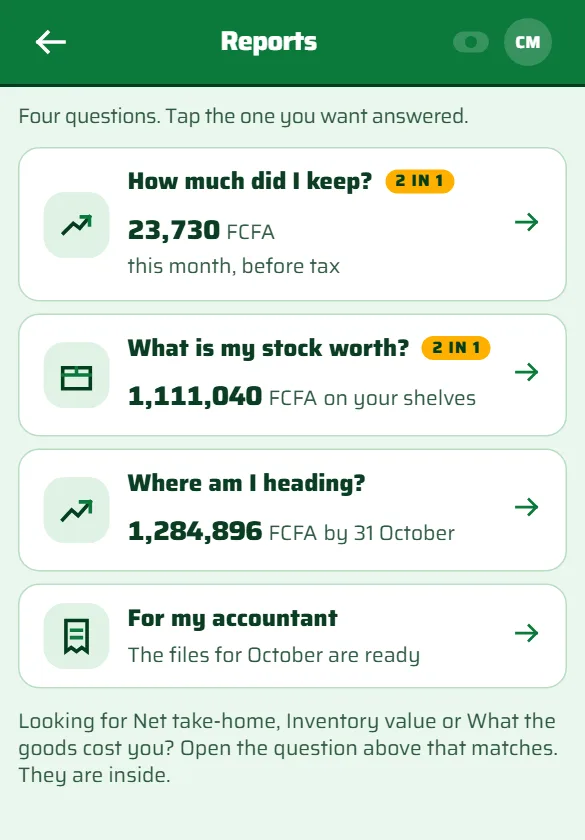
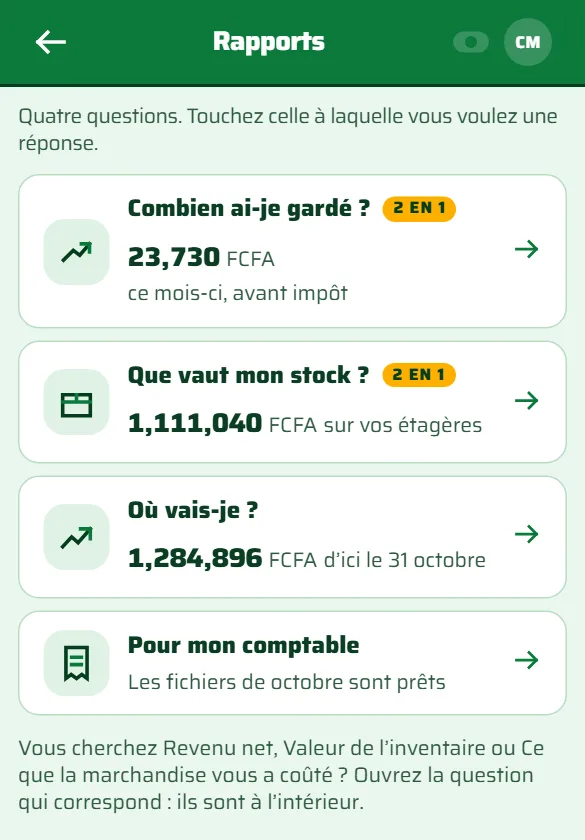
How much did I keep this month, before tax? What is my stock worth? Where am I heading? One tap each.
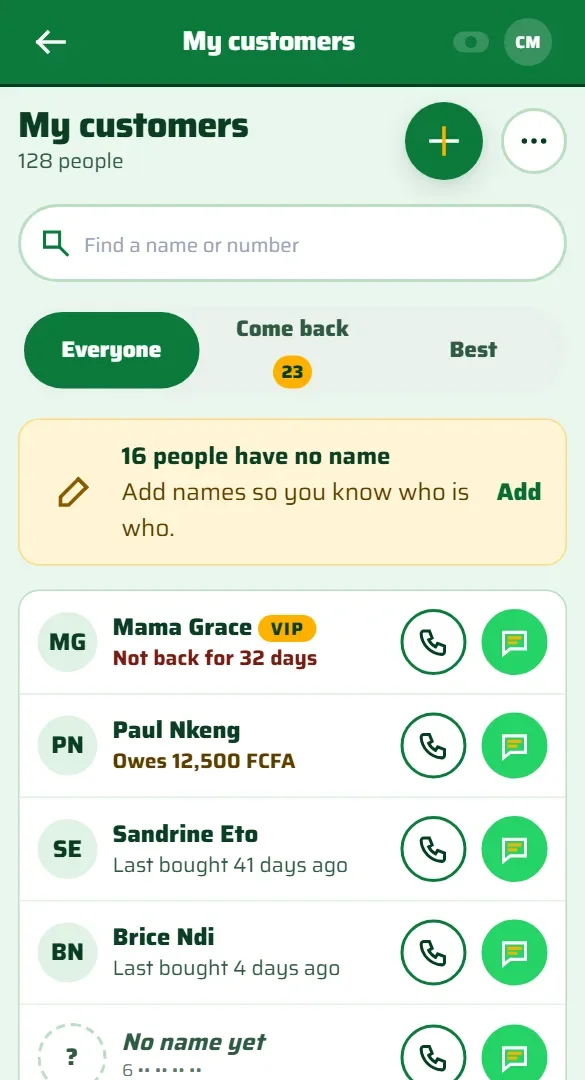
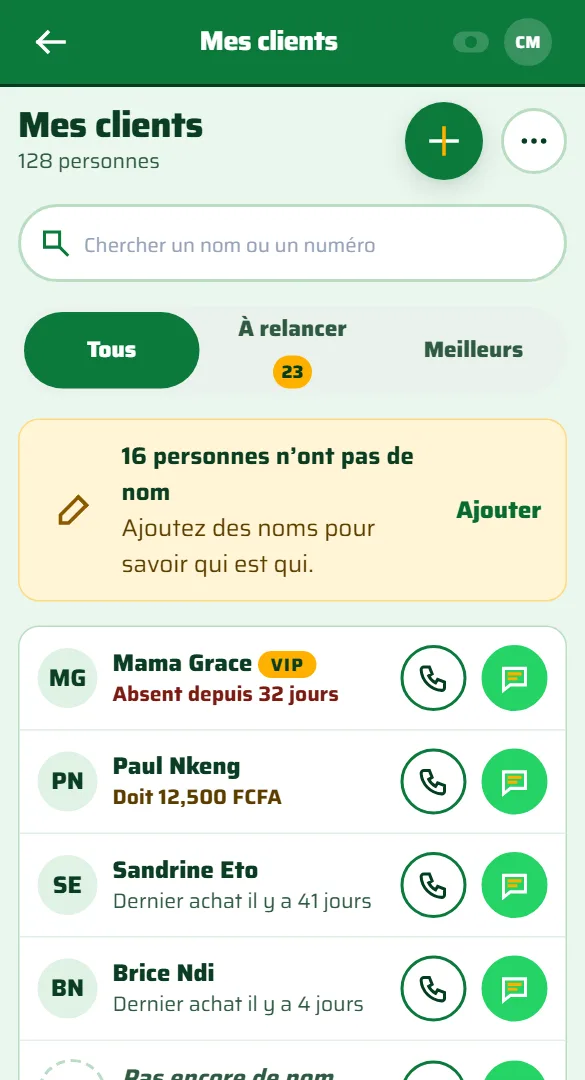
Call or message on WhatsApp straight from your customer list. Send a receipt the same way.
Built for the counter
The cashier counts the drawer note by note and coin by coin, without seeing what the app expects. Any gap shows, by cashier and by shift.
Cashiers can agree a price with the customer, up to the limit you set. Going below cost needs a manager's PIN.
Owner, manager, stock manager and cashier each see and do only what their role allows.
And more
Point of sale for shops in Cameroon
Sell, count stock, track expenses and see what you take home. Less than the price of a sachet of water.
Every plan starts with 30 days free. Pay by mobile money when you are ready. Change plan at any time.
Before you start
Not for cash sales. They are saved on the phone and sent when the connection returns. You need a connection to sync between shops, to run your online shop and to read reports across shops.
Only the people you add, and only what their role allows. Every business is kept apart from every other one.
Yes. Market Day runs in the browser on any phone or computer, and you can add it to your home screen. Android phones can also install the app.
Your offline sales data, receipts, and settings are strictly preserved during in-place updates.
Please read and accept to keep using Market Day.
Signing you in…
New here?
Pay for longer, pay less: 3 months -3%, 6 months -5%, 12 months -10%. You choose this when you pay.
Already have an account?
Already have an account?
We sent an account activation link to your email.
Please click the link in your email to activate your account and finish setting up your business.
We'll email you a link to set a new password.
Type your new password and confirm it below.
Your email has been verified. Continue below to input your business information and choose your plan.
You'll be the owner. You can invite your team next.
The merchant application is strictly for store cashiers and store owners. To view businesses, review KYC, or manage plans, visit the Admin Portal.
Set your password to create your account and join the team.
Already have an account?
My Business
—Plan: —
Short walkthroughs for the things you will do most.
Select the store you're working from.
Loading…
Loading…
Checking your shift…
Pick a shop and count the cash in your drawer to start selling.
On round items (bottles, cans), hold a little further away and keep the code facing the camera
No items yet
Scan the first item to begin
Collected for delivery rider; not subject to tax.
Ask for their number: they collect loyalty stamps and get their receipt on WhatsApp. Works without internet.
Credit and Pay small small need a customer. Choose one in the Customer box above.
Saisissez le code PIN d’un Responsable ou du Propriétaire :
Your register session is closed or expired. Re-open your shift below to finish this sale without losing items.
This product is expired and cannot be sold. It must be immediately removed from the sales area and transferred to Damaged Stock.
This product reaches its expiration date very soon. Inspect package freshness and confirm whether to proceed.
Select the batch number matching the item handed to the customer (FEFO: earliest expiry first):
Count the money in the cash drawer. Our figure stays hidden until you have counted, so nothing sways you.
Cash you counted 0 FCFA
Your manager sees this when the day is closed. Nothing can be changed after.
Where it is
How to see it
Loading products…
For goods with no barcode on them. If the item has a barcode, use Take in stock instead.
Market Day will print a code for it
Yours alone, no other shop can have it. You see the code as soon as you add this product.
You hold this money and give it back when the bottle comes back.
You make on each one — FCFA
Item code
No printer? Write it down
Copy the code onto a sticker or tape and stick it on the item. Group the digits so it's easy to read back.
Goods dispatched to your shop. Verify and count stock upon arrival.
So you can tell a customer before they queue. Your manager does the ordering.
Loading alerts…
Loading alerts…
Loading…
Loading…
Loading…
Loading…
When this list is empty, your books and your shelves agree. That is the whole point of it.
Loading your stock check
Dates
Loading your stock history
Loading your figures
The goods leave the shelf right away. A stock manager then confirms them.
Loading…
Loading sales…
The goods are already with the customer. These sales wait on you.
Loading what is waiting for you
Loading who owes you
Loading customers
How to see it
Loading plans
Loading team…
Loading your shops…
Choose how your business stores and receives stock.
Central warehouse active. Stock is received into your warehouse first and transferred to shops as needed. Direct to shop. Stock is received straight onto shop shelves, ready to sell immediately.
Loading settings…
Send your papers once. After that your receipts carry the DGI code, and you can give customers a proper invoice.
Loading…
Only Market Day sees these papers. Your staff cannot open this screen.
Checking…
Loading guides…
You can also write to ops@marketday.online. Replies come to your messages and your email.
Send an inquiry directly to our operations team at ops@marketday.online. Replies and status updates will be delivered directly to your in-app notices and email.
Product Already Expired: This product has expired. Taking expired goods into sellable inventory is restricted. Are you sure you want to receive this batch?
A big change needs a second person to agree. You cannot agree to a count you entered yourself.
You have items remaining in your central warehouse. Transfer all items to your shop shelves before turning off warehousing so no products are lost or hidden from sales.
Interactive step-by-step guides for Market Day
We will continue as soon as you do this.
Type your PIN, or tap the keypad below, then select Unlock.
Another cashier? Sign out here, then they sign in with their own account.
Too many incorrect attempts. To continue you must sign in again with your account password.